










Avoid re-entering data
A validated request or data item feeds the tools that need it, according to shared rules.



 Process automation · Gaspa Brussels
Gaspa connects your applications to reduce duplicate entry, pass useful data and trigger the right actions. Each automation includes its rules, exceptions and monitoring arrangements.




First 30-minute conversation · Free · No commitment

completed projects

Sortlist · 18 reviews
Your starting pointA validated request or data item feeds the tools that need it, according to shared rules.
Deadlines, statuses and responsibilities trigger reminders or approvals useful to the process.
Successful processing, errors and items needing attention are accessible to those responsible.
Statuses, errors and pending processing remain accessible so teams know when and how to intervene.

THE PROCESS AT A GLANCE
The form submits a structured request.
The case is created and assigned to the right team.
Errors and blockers trigger a useful alert.
An approach tailored to your context.
Consider an internal request form. Validated information creates a case, assigns it to the right team and triggers the planned follow-up. An alert identifies errors or requests left unanswered.
The form submits a structured request.
The case is created and assigned to the right team.
Errors and blockers trigger a useful alert.
Illustrative example · Process automation This scenario does not describe a client project.
How we support youEach phase produces concrete deliverables. You see progress, understand the choices and approve the relevant points before moving forward.
We review the work to improve, data, access and useful approvals.
✓A priority scenario and evaluation criteria.
Triggers, data, responsibilities and approval points made explicit with the teams.
✓Shared triggers and responsibilities.
Workflows and exchanges with compatible APIs or tools, within the selected scope.
✓Exchanges between the selected tools.
Logging, alerts, follow-ups and recovery arrangements to maintain visibility.
✓Visible errors and organised recovery.
Key scenarios, errors and exceptions are examined before the next phase.
✓Visible approvals and discrepancies addressed.
Quality, errors, costs and feedback are monitored to decide the next steps.
✓An observable use and documented limitations.
Making the right choicesThe choice depends on your users’ needs, the existing system and the cost of future development. We make the trade-offs clear before development begins.
Triggers, conditions and mappings are enough when processing is predictable.
✓An explicit, testable workflow.
AI may support a variable step, with evaluation and necessary approvals.
✓Add AI only where it helps.
CollaborationA shared framework, demonstrations and explained decisions. Your team knows the next steps, expected deliverables and points to approve.

You know who manages, designs and develops your product. The right people join the conversation at the right time.
You see progress regularly and approve screens, priorities and releases before the next step.
Before taking action, we explain the impact on your budget, timeline and the product’s ability to evolve.



The use case, permitted actions and how to measure the pilot’s quality.
 Observe current work
 Choose a specific use case
 Review authorised sources
 Define permitted actions
 List errors to test
 A role and a scope
 Sources and access
 Evaluation cases
 Human approvals
 Criteria for continuing
The use case, permitted actions and how to measure the pilot’s quality.
Key decisionsThese decisions are reviewed with your team. They determine the possible uses, responsibilities and conditions for the next step.

Errors are detected, reported and routed to limited automatic recovery or a person.

Replaying processing should not create a new invoice or a second case. Checks are defined from the design stage.

Credentials, permissions and the person responsible for monitoring are documented to keep the process running.
Client reviews4.96/5 ★★★★★
Sortlist · 18 reviews · checked 13/10/2026
Our clients share what matters during a project: a team that is available, responsive and committed.
Read client reviews on Sortlist
We greatly appreciated the team’s availability and responsiveness, as well as their sincere commitment to understanding the specific needs of golf and meeting our requirements as closely as possible.
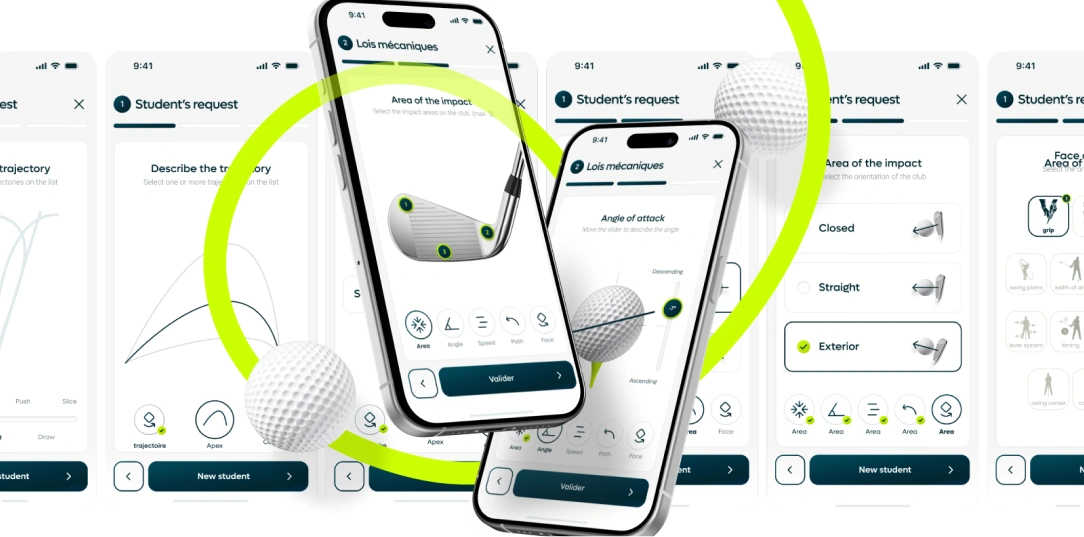
Valentin Outters
Alba Golf

An excellent experience with Gaspa Agency! A big thank you to the team for their professionalism and efficiency. The application was delivered on time, with a real ability to adapt and, above all, constructive suggestions.
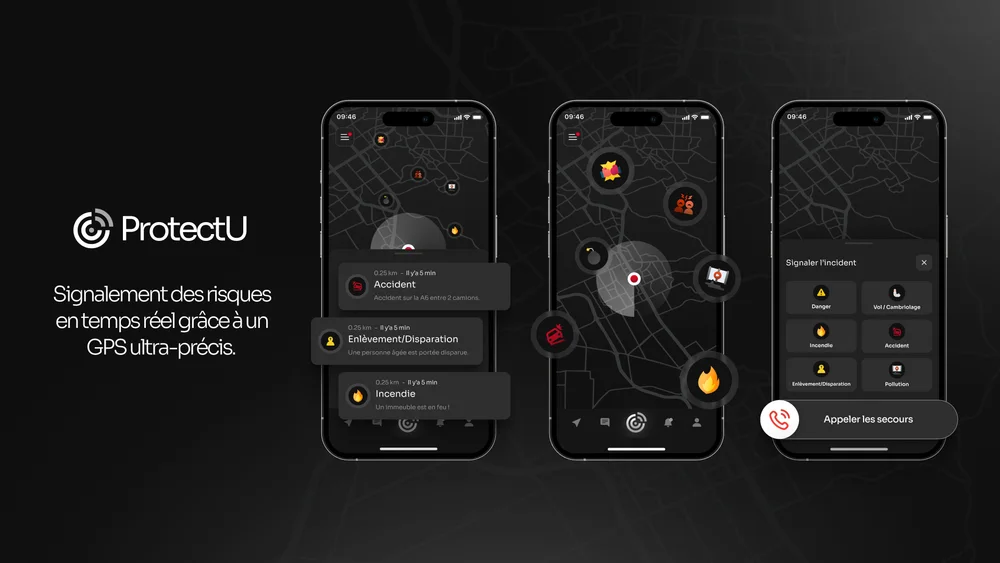

Reda Belyazid
ProtectU

We appreciated Guillaume’s availability and the way his colleagues listened to us throughout our project.

Jules Gerard
Cupigo
Start a projectNo specification needed. Tell us about your idea, your current tool or the problem you want to solve. We will help you work out the next steps.
4.96/5★★★★★
Sortlist
250
completed projects

Shall we discuss your project?
Guillaume Gasparini 
Founder of Gaspa
Before suggesting a solution or a team, we take the time to understand your needs, constraints and project goals.
Schedule a meeting“The team’s availability and responsiveness.”
Frequently asked questionsThe possibilities need to be reviewed. Exports, imports or connectors may be enough; interface-based automation is more fragile and needs suitable monitoring. We check limitations before confirming the scenario.
Axiom, Cupigo and Al Por Tres illustrate our work on product journeys, interfaces and identity. Expertise brought together to shape your project.
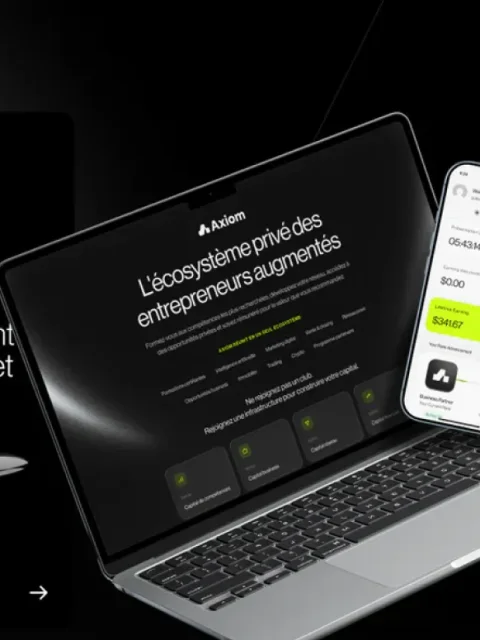

A digital ecosystem bringing together learning, content, live sessions and community.

Cupigo
A dating experience designed around real, time-limited interactions.

AL POR TRES
A premium, welcoming identity for a brasserie within a padel club.